Is your home office setup hurting your focus and physical posture?
Modern professional life has fundamentally shifted. Whether you are building web applications, writing code, running digital marketing campaigns, or managing client portfolios, the environment you work in directly impacts your physical health, mental focus, and daily output.
Many professionals spend 8 to 12 hours sitting at a computer terminal without realizing how poor seating posture, bad display positioning, and unstructured daily routines degrade their long-term focus and physical well-being. Chronic lower back strain, neck stiffness, digital eye fatigue, and daily procrastination are rarely caused by a lack of discipline—they are usually the direct result of a poorly optimized workspace.
In this comprehensive guide, we unpack the principles of ergonomic workspace design, daily routine planning, and physical support tools. We also evaluate the essential hardware and organizational gear available on Amazon India to help you create an elite home office setup.
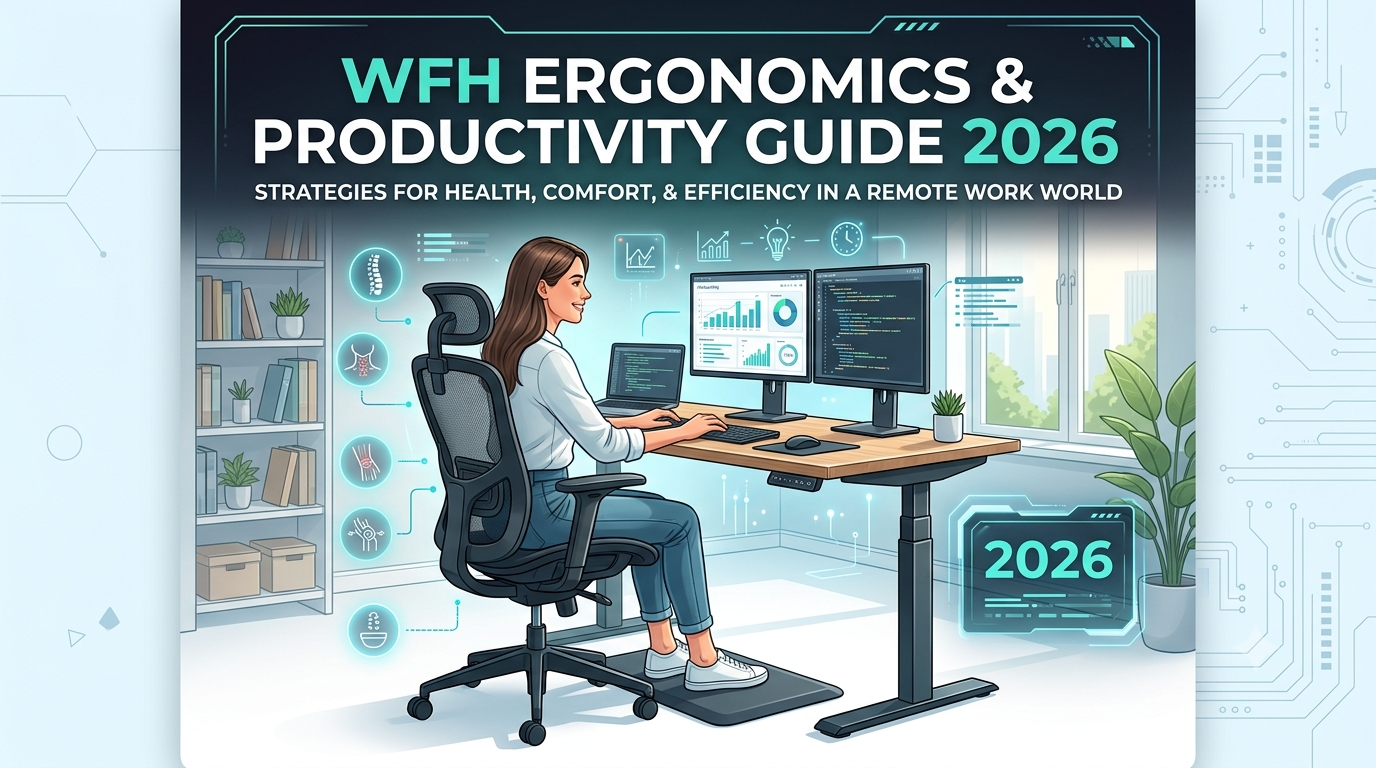
Image: A clean, ergonomic desk setup featuring elevated screen positioning and proper lumbar support.
Part 1: The Hidden Cost of an Unoptimized Workspace
Physical Strain and Micro-Fatigue
When sitting at a standard desk without proper lumbar, thigh, and wrist support, your musculoskeletal system experiences continuous static loading.
- Forward Head Posture (Tech Neck): For every inch your head tilts forward to look at a low laptop screen, your neck muscles endure an additional 10 pounds of force.
- Lumbar Spine Compression: Sitting without back support increases intradiscal pressure by up to 40% compared to standing.
- Repetitive Strain Strain: Resting wrists directly on sharp desk edges causes localized nerve compression, leading to early wrist fatigue and Carpal Tunnel discomfort.
Cognitive Load and Context Switching
A cluttered, unstructured physical space directly mirrors mental fatigue. Without a dedicated daily planning system, your brain relies entirely on working memory to retain task lists, deadlines, and priorities. This leads to decision fatigue early in the afternoon, causing you to reach for low-value distractions rather than finishing deep-work projects.
Part 2: Re-Engineering Your Physical Setup (Step-by-Step)
1. Spine Alignment and Dynamic Lumbar Support
Your office chair is the foundation of your daily health. Sitting on a dining chair or a basic wooden stool forces the lumbar curve to flatten, causing muscle fatigue within two hours.
An ergonomic office chair must feature breathable mesh backings, height-adjustable armrests, and dynamic lumbar support that mirrors the natural S-curve of the human spine.
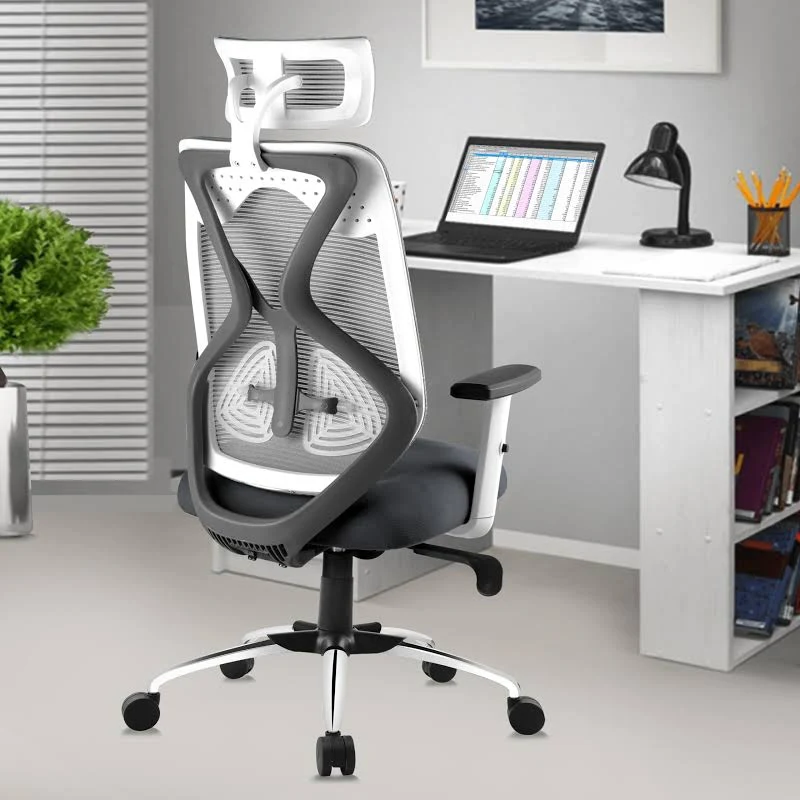
The ASTRIDE Ergofit Ergonomic Office Chair is engineered specifically for long work sessions. It features a high-density molded PU cushion, a BIFMA-certified Class-4 hydraulic gas lift, and breathable mesh fabric designed to keep you cool in warm Indian climates.
- Key Features: High-back adjustable headrest, 3-year warranty, dynamic backrest.
- Best For: Professionals working 6+ hours daily at a workstation.
2. Monitor and Display Height Elevation
Placing a laptop flat on a desk forces you to look downward continuously. To maintain a neutral cervical spine, the top third of your display screen should align directly with your horizontal eye line.
Using an adjustable laptop stand elevates your screen by 5 to 8 inches, instantly relieving upper back and neck tension.
Recommended Laptop and Mobile stand:
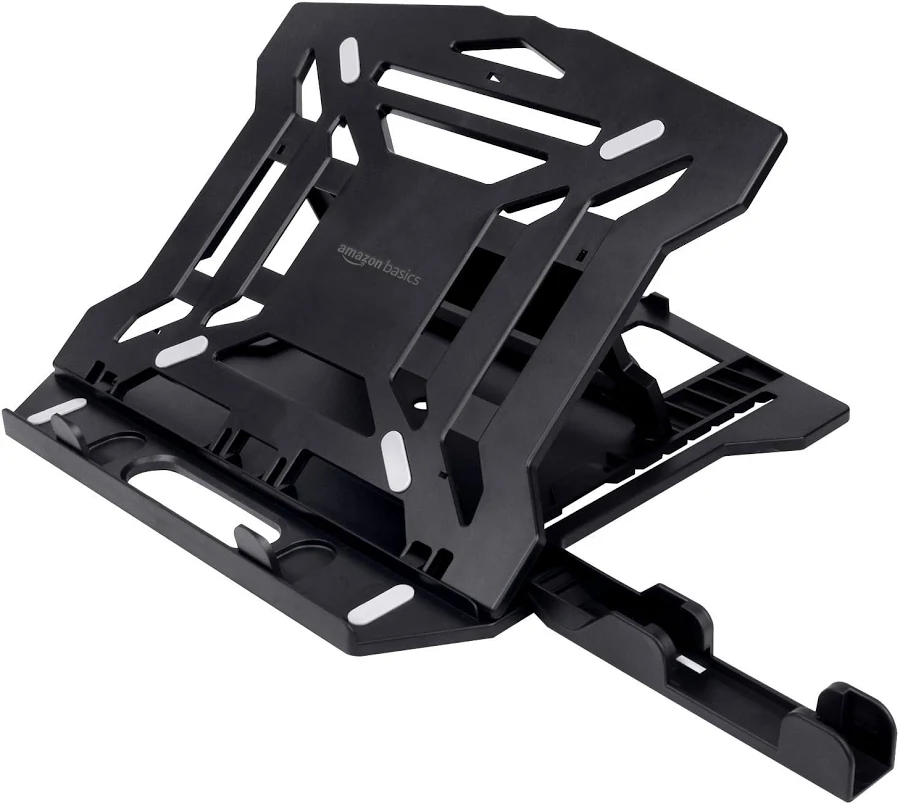
The Amazon Basics ABS 2-in-1 Laptop Stand offers 8 adjustable height grooves, anti-skid silicone pads, and an integrated mobile phone holder.
- Key Features: Portable folding design, heat-dissipation ventilation, lightweight build.
- Best For: Laptop users, developers, and remote freelancers working on multiple devices.
3. Lower Body Circulation and Ergonomic Foot Positioning
If your feet dangle or rest awkwardly on chair legs, the undersides of your thighs experience constant pressure from the chair edge. This reduces lower-limb blood circulation and causes leg fatigue.
An under-desk footrest elevates your feet, relaxes the lower leg muscles, and forces your lower back against the chair's lumbar cushion.
Recommended Under-Desk Footrest:
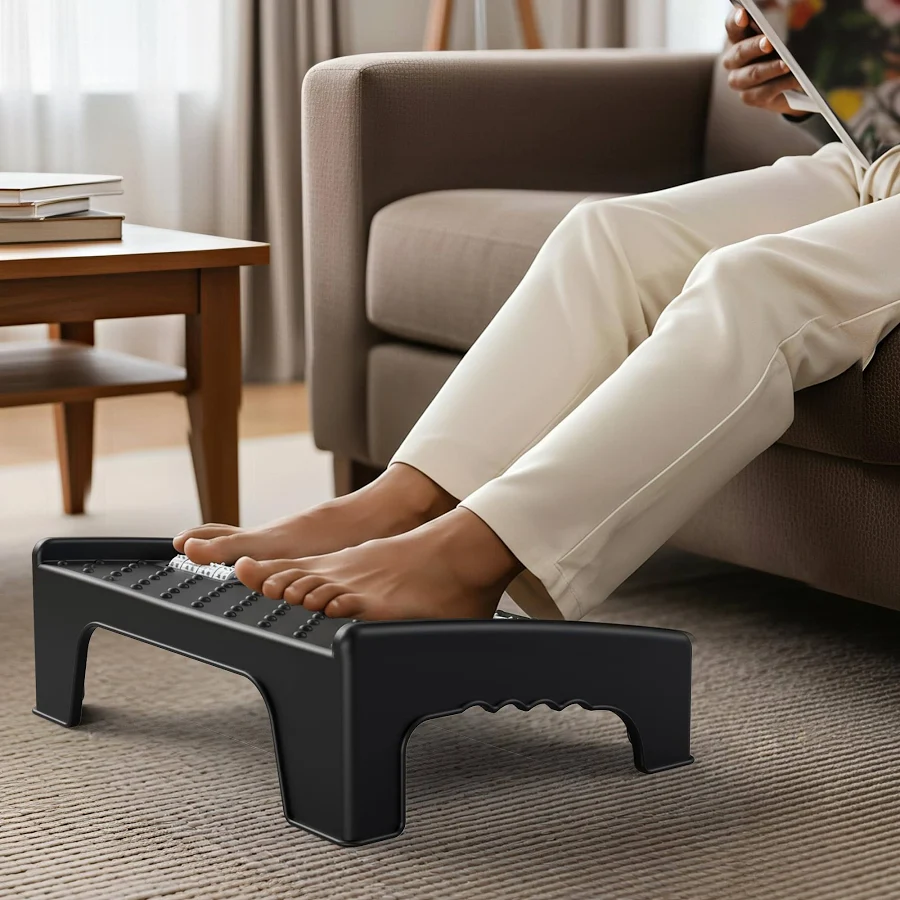
The Solimo Ergonomic Under-Desk Foot Rest features a textured non-slip surface with built-in massage rollers to encourage blood circulation while sitting.
- Key Features: Anti-slip base, massage texture, sturdy design.
- Best For: Anyone experiencing leg restlessness or lower back tightness during desk work.
Conclusion & Action Steps
Upgrading your productivity is not about working longer hours; it is about eliminating physical strain and mental clutter. By investing in ergonomic seating, proper display elevation, lower-body support, and structured daily planning, you build a sustainable work system that protects your health while boosting your daily output.
Take time to evaluate your current setup today. Start by fixing your screen height and posture support, and establish a clean daily planning habit.
Disclaimer: As an Amazon Associate, Index Web Solution earns from qualifying purchases made through links in this article.
Contact
Contact Us
Our Address
#490-491, Housing Board, Ambala Cantt, IN 133001
Email Us
contact@indexwebsolution.com
Call Us
+91 7988618308